
The complete guide
Kids Instant Print Cameras: A Buyer's Guide for Parents
The problem with giving a child a regular camera
Plenty of parents have done the same thing. You hand over an old phone or a cheap point-and-shoot, the child takes four hundred photos of the dog's ear in one weekend, and then nothing happens. The files sit on a card. Nobody looks at them. The camera ends up in a drawer by the following month.
The missing piece is not resolution or features. It is the moment where the photo becomes something real. A print you can hold changes how a child treats the whole activity. They start thinking about what is worth a photo, because paper has a limit in a way that a memory card does not. They give prints away. They stick them in notebooks. The camera stays interesting because it keeps producing something.
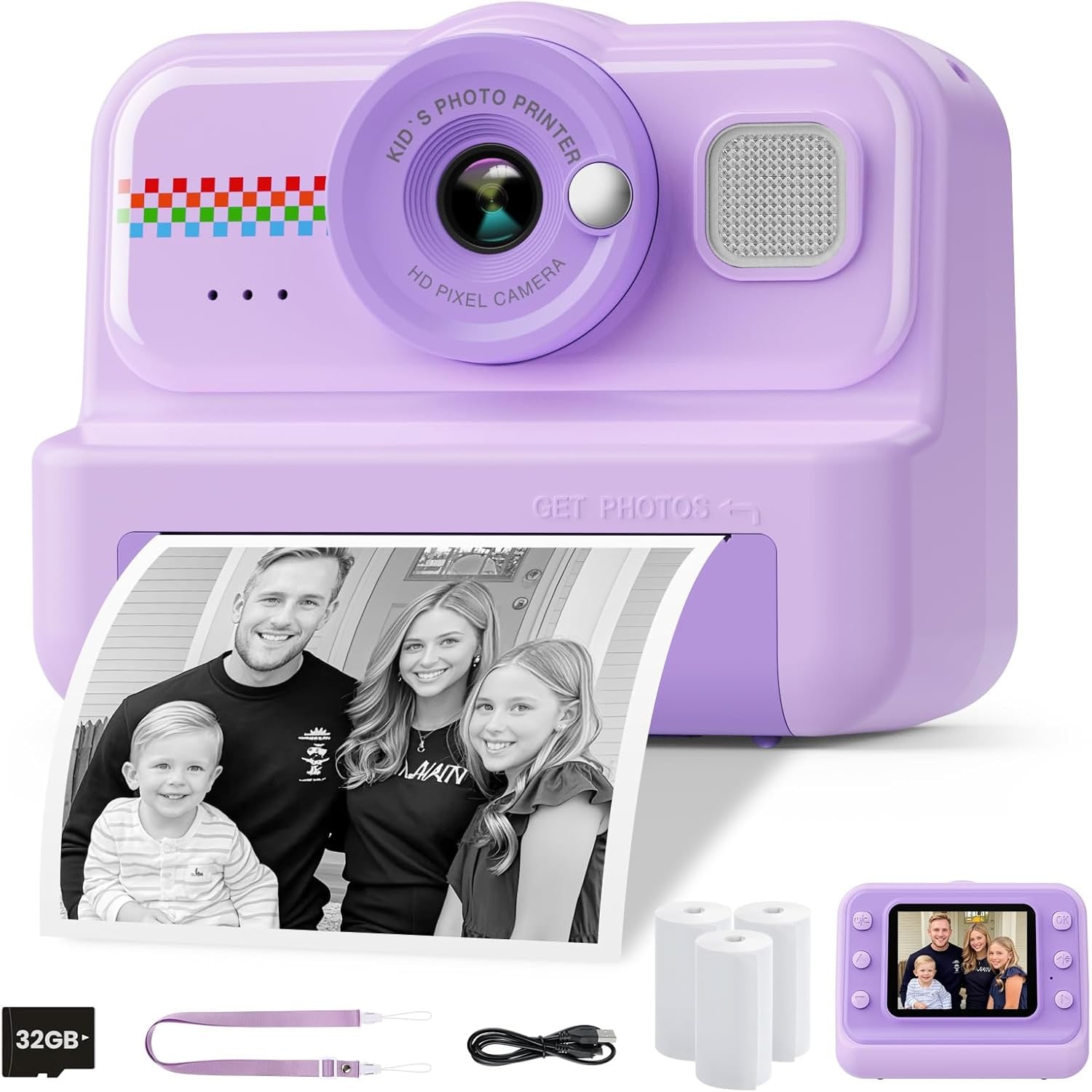
That is the idea behind an instant print camera for children. It is a normal digital camera underneath, with a small thermal printer built in.
How the printing actually works
There is no ink in this camera and there never will be. Thermal printing uses a heated print head that passes over a coated paper. Where the head gets hot, the paper darkens. That is the entire process.
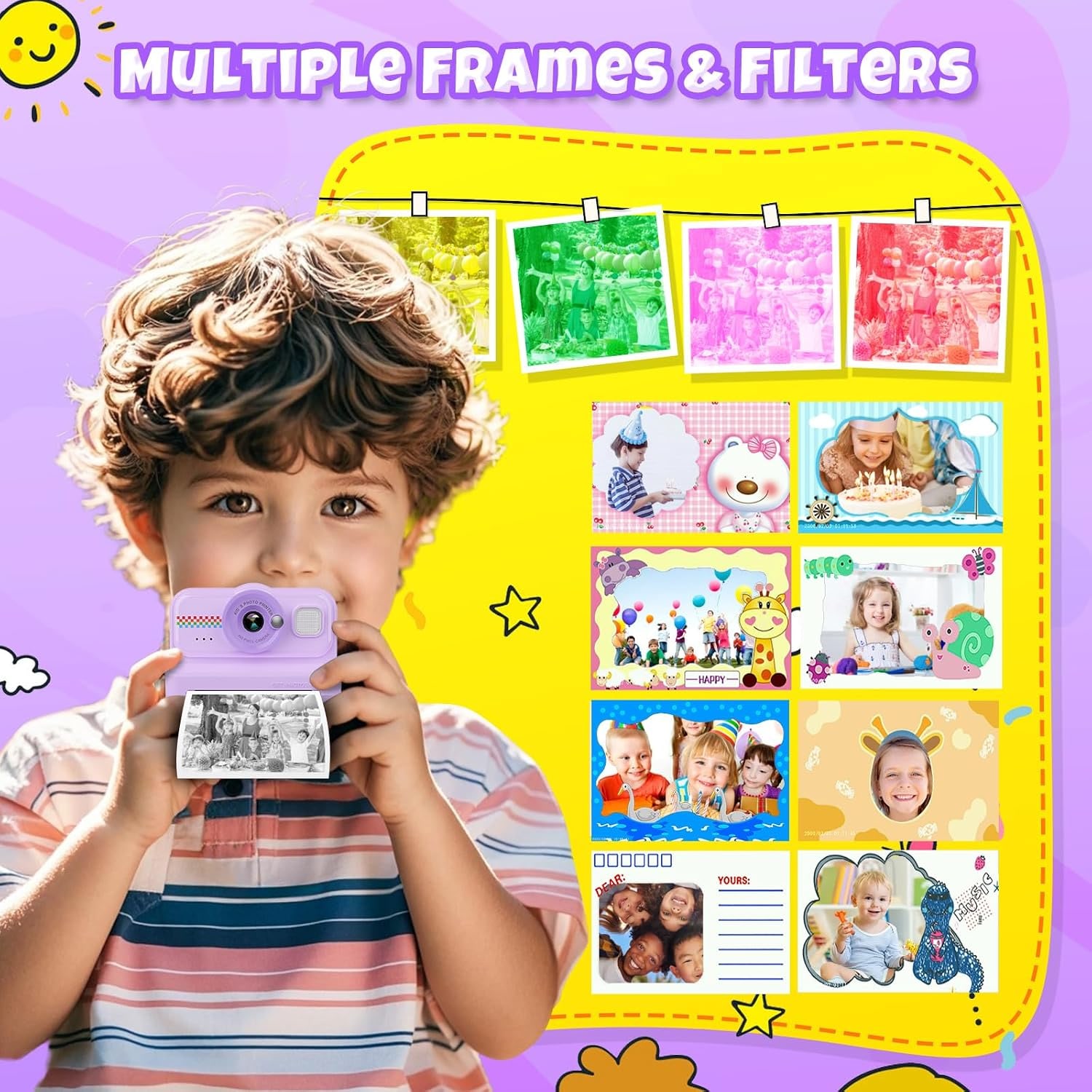
It has real advantages for a child's camera. Nothing can leak, nothing clogs, and there are no cartridges to track down. The only consumable is the paper roll. Three rolls come in the box along with colour pens, which is the other half of the fun. Kids colour the prints in, draw on them, add speech bubbles. Half the appeal of a kids camera with print paper is that the print is a starting point rather than a finished object.
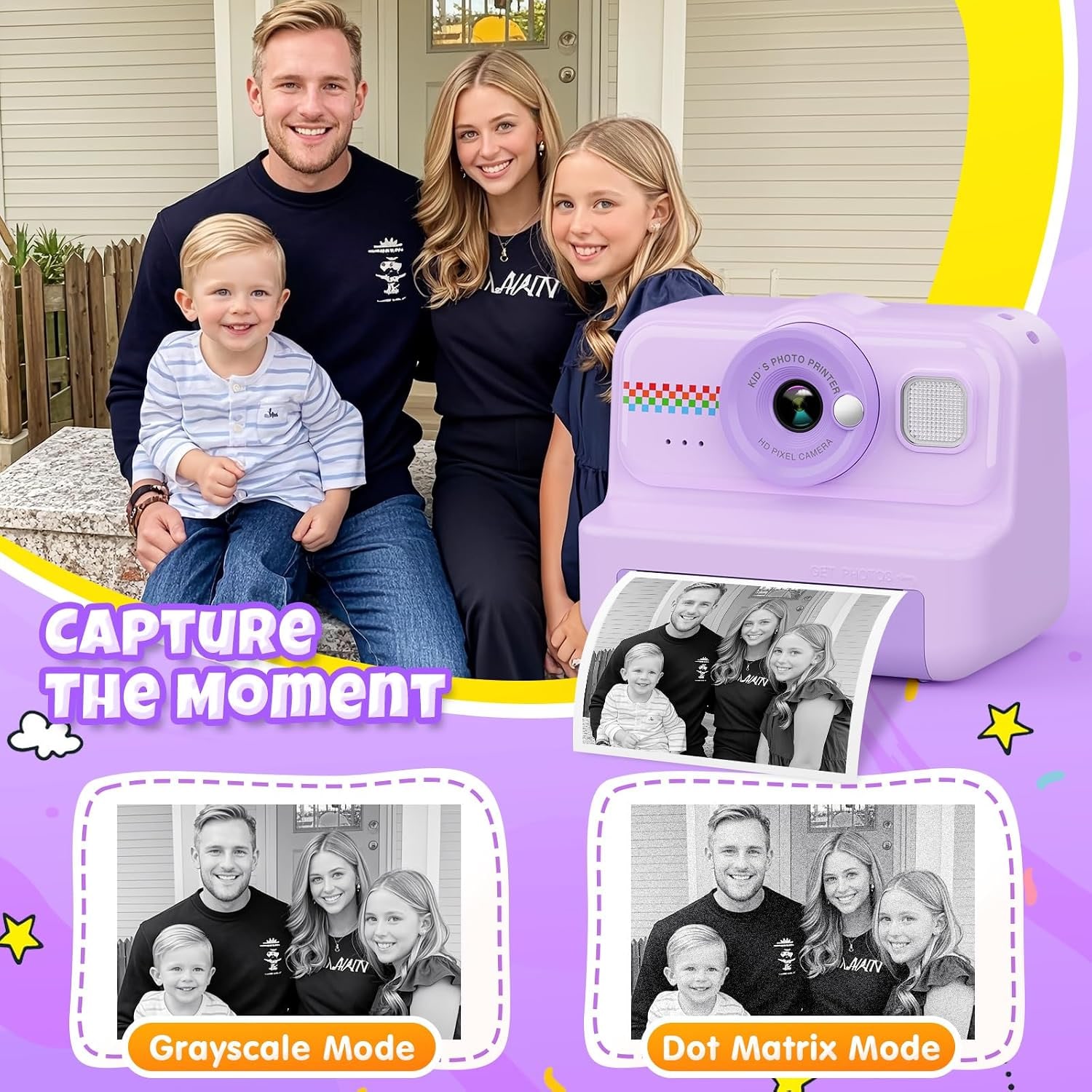
The trade-off is that the prints are black and white, in a choice of dot matrix or greyscale mode. The digital files on the card are full colour 12MP images, so you are not losing the colour version. The paper copy is the quick, hold-it-now version.
One practical note on storage. Thermal paper reacts to heat and light, which is how it works in the first place. Prints kept in direct sun or near a heater will darken over months. A box, a drawer or a scrapbook keeps them looking right for years.
What it does as a camera
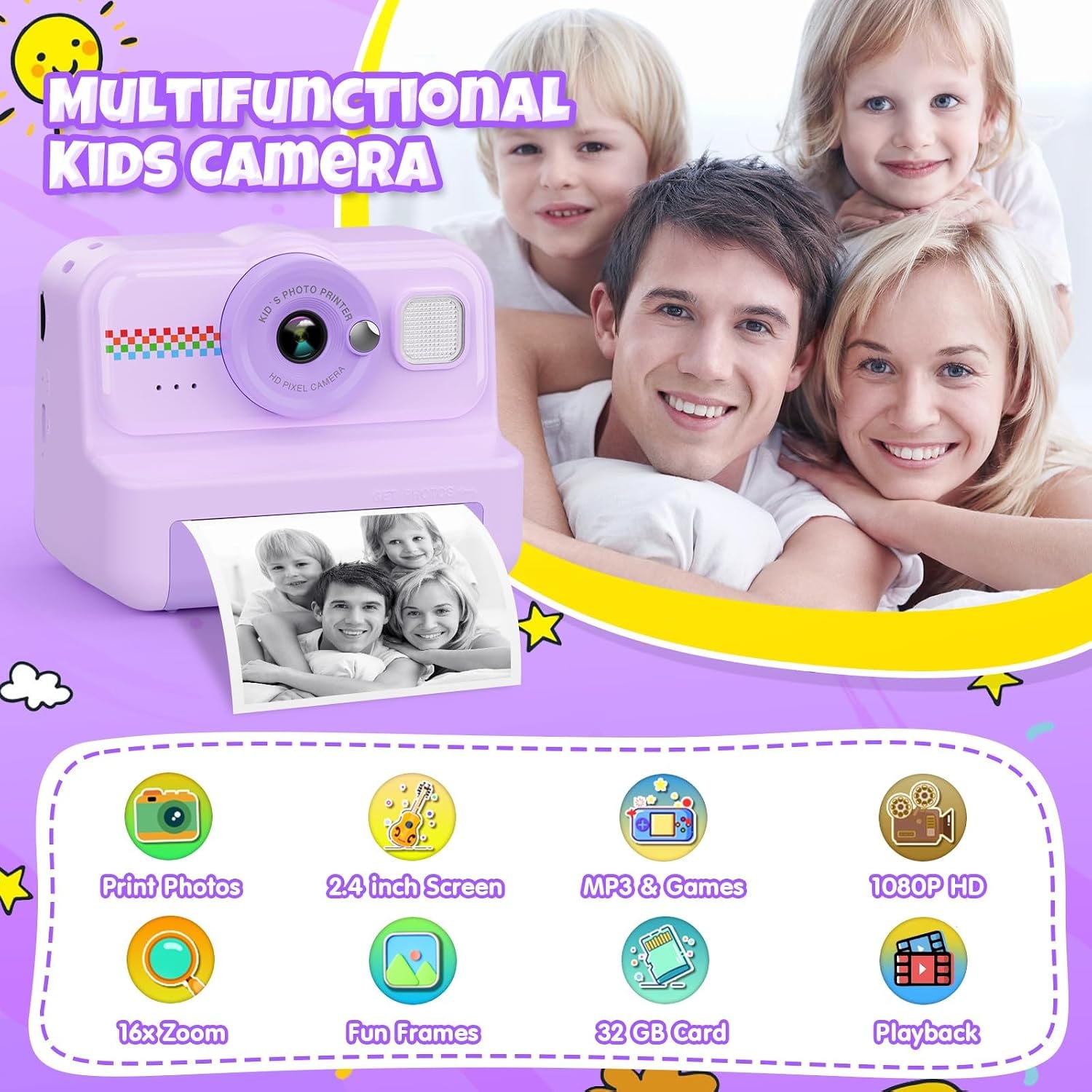
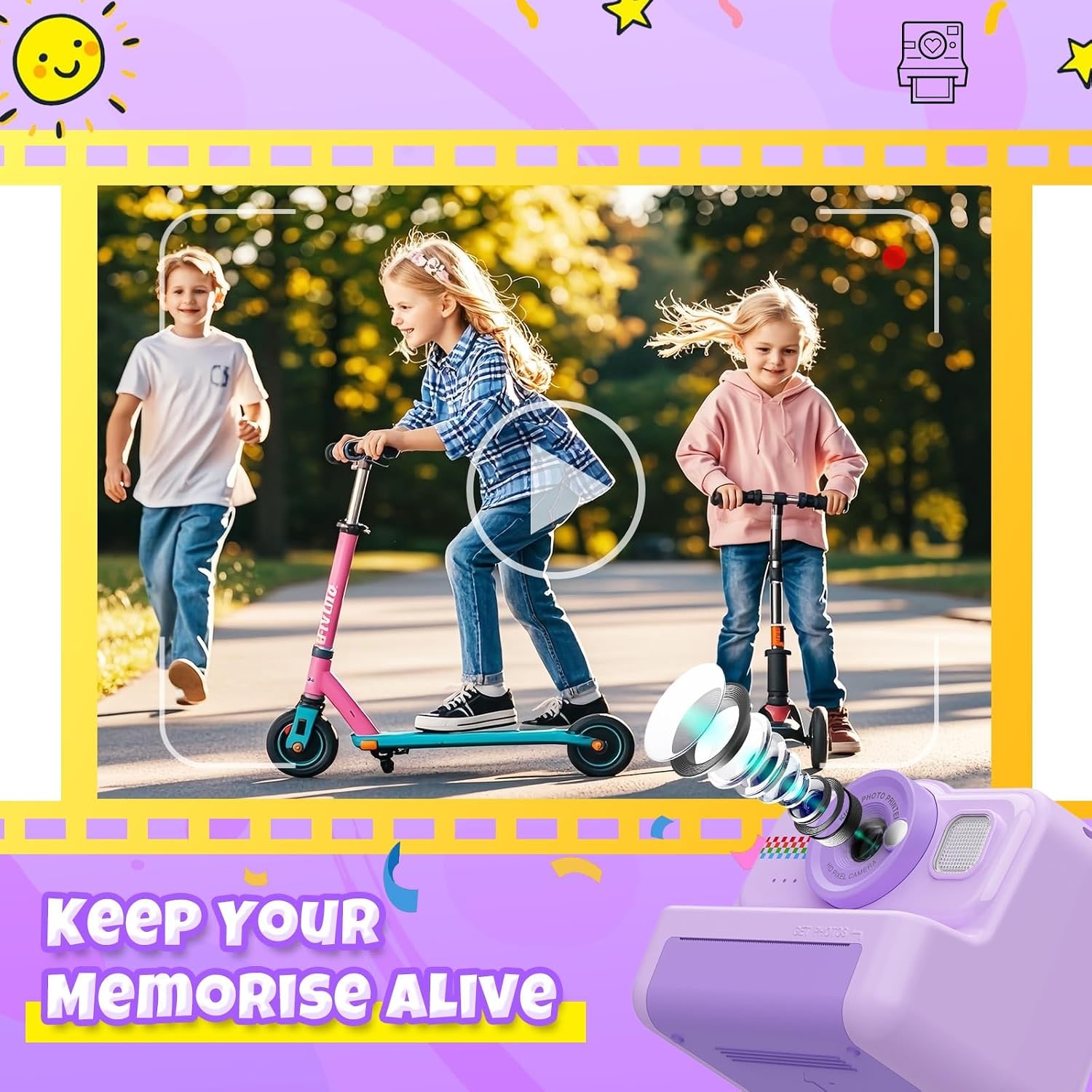
Underneath the printing, this is a working compact camera. A 12MP CMOS sensor handles stills at a 16:9 aspect ratio, and video records at 1080p in MP4, which opens on any phone or computer without fuss.
The 2.4-inch LCD on the back is the whole interface. There is no fiddling with menus to get a usable shot. Focus is automatic across 25 contrast detection points, exposure is automatic and white balance is auto. A child points, presses and gets a photo. The four shooting modes (Automatic, Landscape, Movie and Sports) cover the situations that actually come up, and most kids leave it on Automatic.
The lens is a wide angle with 16x zoom, described as optical in the maker's spec table, and an aperture range of F2.8 to F5.6. Wide angle suits children well, because it is forgiving when they stand too close to the subject, which they usually do. The spec table gives image stabilization as digital.
One thing to know up front: the maker's spec table says no flash, though another line gives flash modes as automatic. Do not count on one. Plan on daylight, bright rooms and outdoors.
Storage and battery, the two things that end a day early
A camera that fills its card or dies at lunchtime is a camera a child stops trusting. Both are handled here.
The maker says the included 32GB card stores thousands of photos and videos, and gives a recording capacity of 240 minutes. The card is already installed in the camera. The stated write speed is 1 to 2 MB/s.
The battery is a built-in lithium polymer cell that the maker says runs for 4 hours on a full charge. It recharges through the single USB port, which means a phone charger works at home and a power bank works in the car. If you are heading out for a full day, charge it the night before and throw a power bank in the bag.
Who this suits
This works best for a child who is curious about the world around them and likes making things. It is a good first camera for someone who is not ready for a phone, or for a child who already has a tablet but needs something that gets them off the couch and outside.
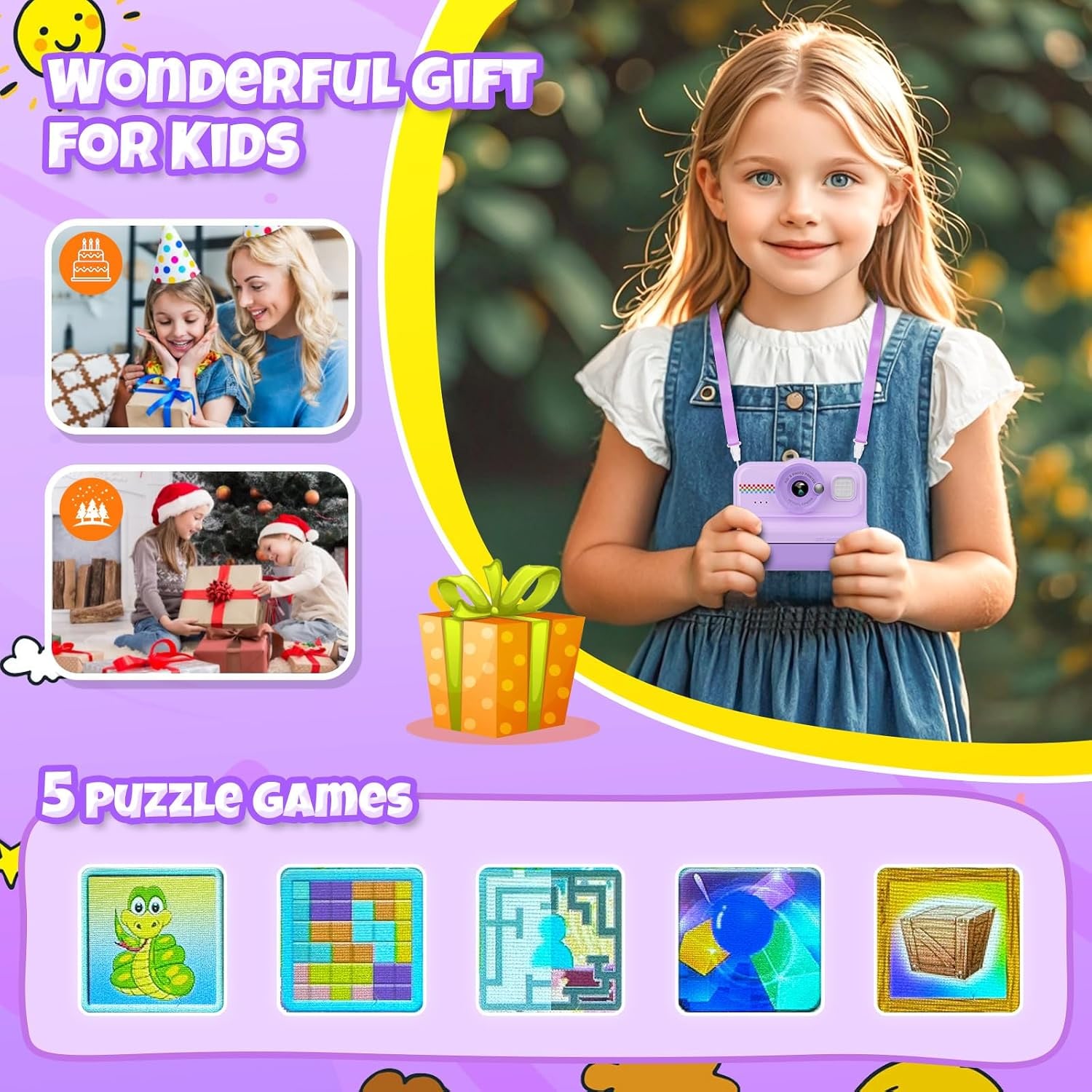
It travels well. At 0.39 kg it fits in a small backpack, and the purple finish is easy to spot when it gets left somewhere. On a long drive or a flight, the built-in puzzle games and music player buy you a bit of quiet, though the camera itself is the reason to own it.
It also works for siblings sharing. Photos pile up on one card, so get into a habit of copying files to a computer every few weeks and clearing a little space.
Where it is less of a fit: a teenager who already shoots on a phone and wants image quality will find the sensor limiting. And if the main goal is colour prints on glossy paper, this is not that camera. Thermal printing is a different thing, built for speed and no ink.
How to choose between kids cameras
A few things actually matter when you compare options.
Start with whether it prints at all. A printing model costs more than a plain kids camera, and it is only worth it if the child will enjoy the paper side. If they love stickers, scrapbooks and drawing, printing is the right choice. If they are more interested in video, a plain camera with better video specs may serve better.
Then look at what comes in the box. A camera that needs a card and paper bought separately adds cost and a delay before it can be used. Here the 32GB card and three paper rolls are included, so it works the moment it is charged.
Battery matters more than most product pages suggest. Four hours is a reasonable day. Charging over USB rather than a proprietary cable is a genuine convenience, because you already own the charger.
Finally, think about simplicity. Automatic everything sounds like a compromise, but for a six-year-old it is the entire point. Every manual setting is another chance to get a frustrating result.
Looking after it
The care routine is short. Wipe the body and the screen with a dry or barely damp soft cloth. Keep sand and water away from the paper slot in particular, since grit in a print mechanism is hard to remove. Do not leave the camera on a dashboard or anywhere hot, because heat is unkind to both the battery and the thermal paper.
Store spare paper rolls flat, in a cool, dry place, out of sunlight. If the camera is going to sit unused for a few months, give it a charge now and then.
When loading a new roll, follow the maker's steps: open the paper slot, insert the roll in the direction shown with about 1 to 2 inches of paper left out, and close the paper slot door. An adult should do this the first couple of times. Most children handle it themselves after watching once or twice.
The short version
This is a simple, light camera that prints what it sees. The 12MP stills and 1080p video are good enough for everyday use, the automatic settings keep it out of the child's way, and the 32GB card plus three paper rolls mean nothing else needs buying on day one. About 4 hours of battery and USB charging keep it going through a long day out.
It is not a serious photography tool and it is not trying to be. What it does is get a child looking at the world, pressing a button, and ending up with something they can tape to a wall. For a first camera or a gift, that is usually the whole job.