
The complete guide
How to Choose a Memory Card Case That Actually Keeps You Organized
The problem nobody plans for
Nobody buys their first memory card thinking about storage. You get the card, it goes in the camera, and that is the end of it. Then you buy a second card for backup. Then a faster one for video. Then a small one for the drone, a couple for the action camera, and a spare that lives in the glovebox. Within a year or two you have a dozen cards and no system at all.
That is when the trouble starts. You pull a card out of the camera mid-shoot and put it in a pocket. Later it moves to a jacket, then to a desk drawer. Weeks pass. Now you are holding a card and you genuinely do not know whether those files were ever copied to a drive. Most people solve that by formatting and hoping. Some people solve it the hard way, after they have already formatted.
A card case does not make you more organized by magic. What it does is give you a place where a card belongs, and that one change fixes most of it.
What a 40-slot case is actually for
Forty slots sounds like a lot. For a casual shooter it is. For anyone who works, it is about right, and here is why.
Working photographers do not just carry the cards they are using today. They carry the cards from last week that have not been archived yet, the backups, the spares for the second body, and usually a few older low-capacity cards that still have a job to do. Video shooters burn through media faster again. Add in microSD cards from drones and action cameras, sitting in their SD adapters, and forty slots fills up faster than you would think.
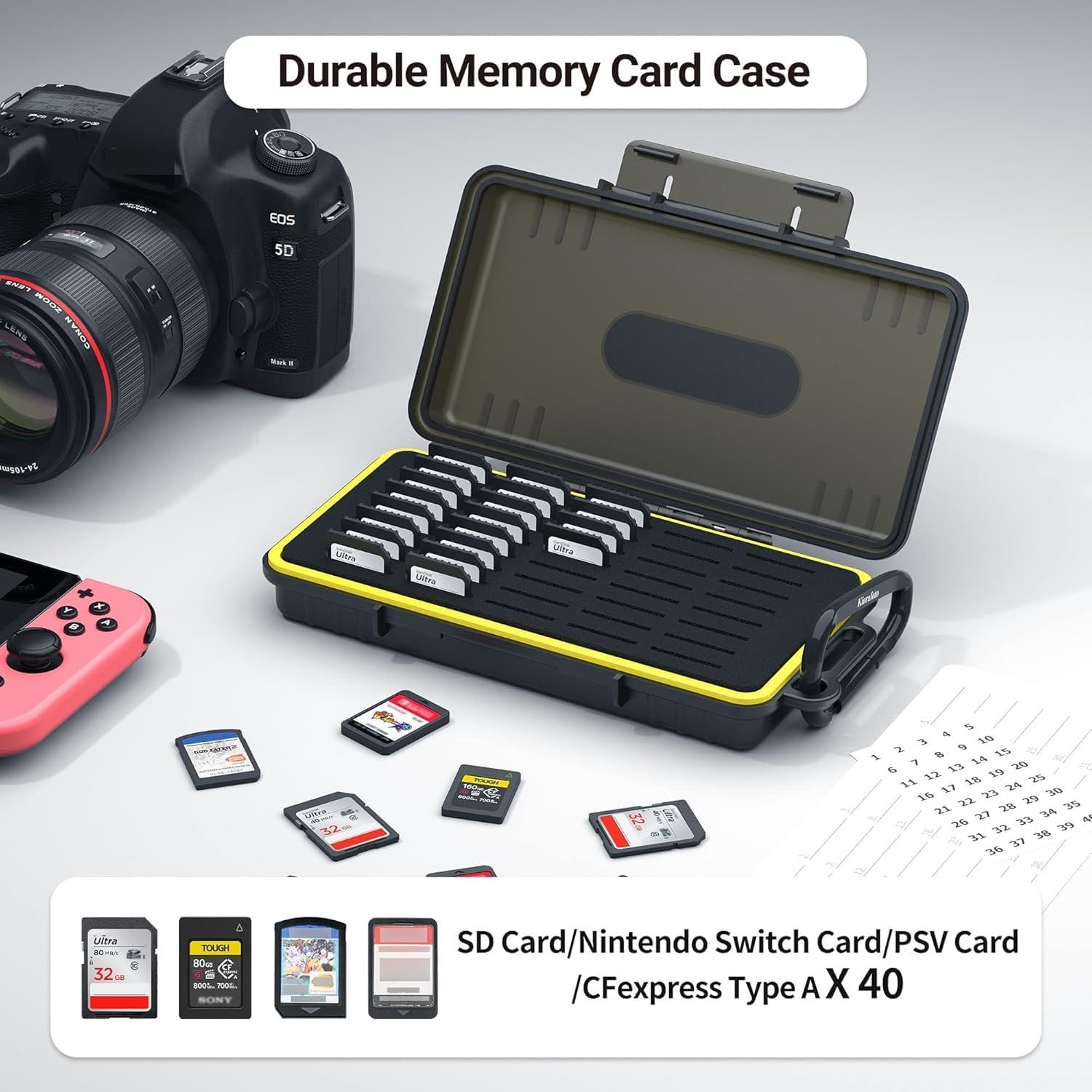
The other group this size suits is people with physical game collections. PS Vita cartridges and Nintendo Switch game cards both use a small form factor that fits the same slots. Forty games in one slim case, out of forty plastic boxes, is a significant space saving on a shelf.
How the protection works
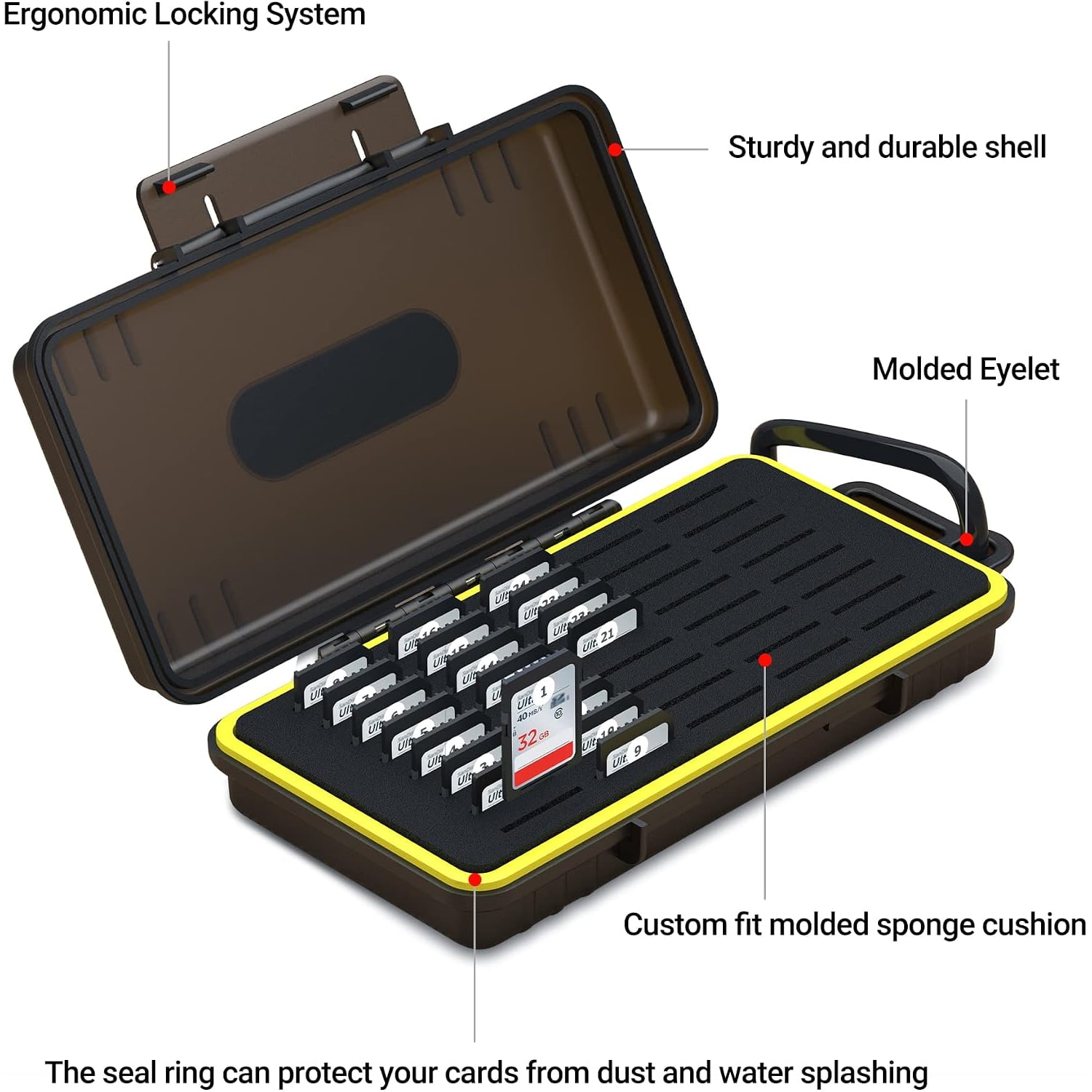
There are two layers doing the work here. The outer shell is polycarbonate, which is the same family of hard plastic used in luggage and safety gear. Its job is to take the knocks. A camera bag gets set down hard, stacked under other gear, thrown in a car trunk. A soft pouch passes all of that straight through to the cards. A hard shell absorbs it.
Inside, the tray uses sponge and silica gel. That soft layer holds each card with gentle pressure so nothing slides about. This matters more than people expect. Cards rattling against each other inside a case is how contact pins get scuffed and how labels wear off. A snug fit stops that entirely, and it also means you can open the case at an angle without cards spilling.
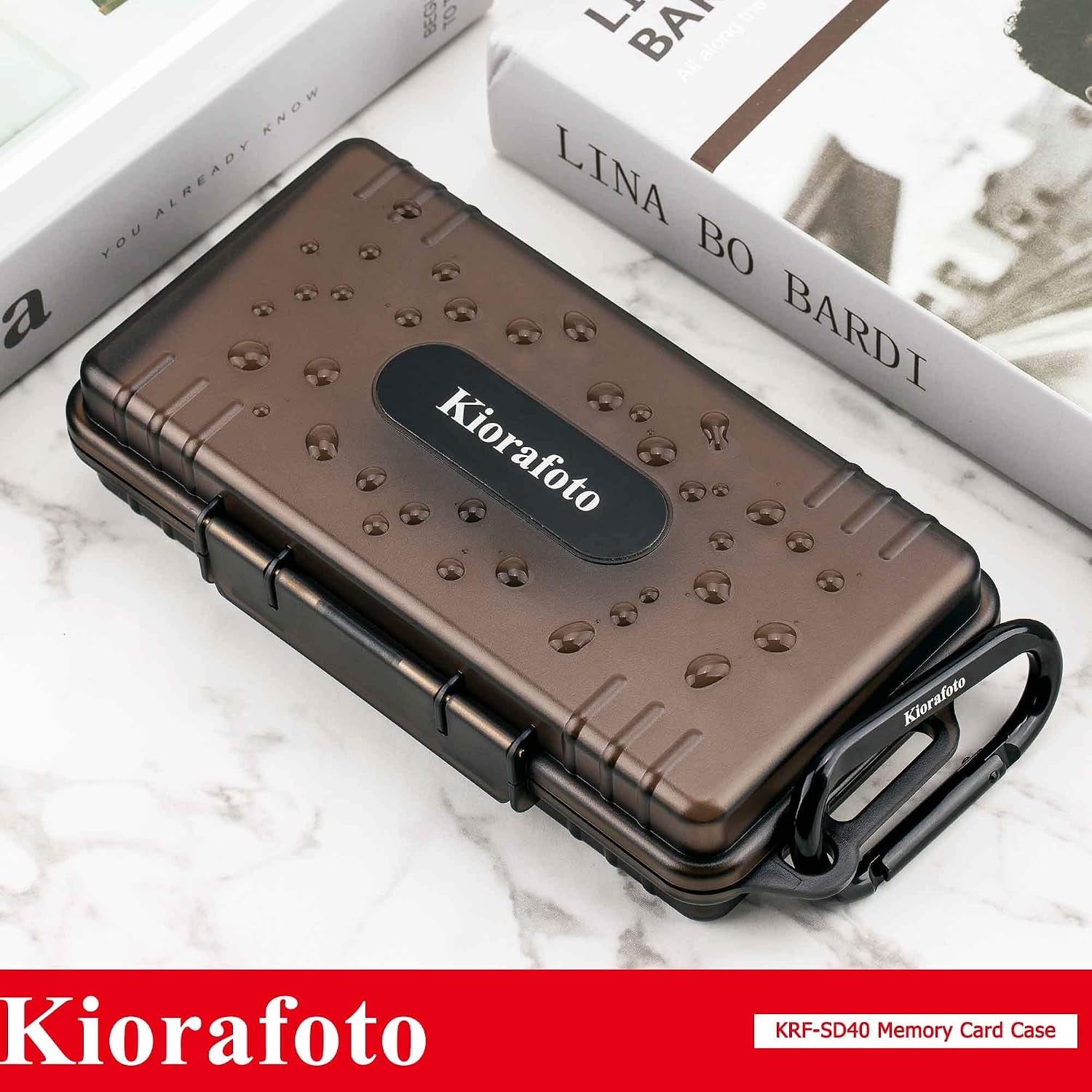
The case is water resistant. Be clear on what that means. It is built to handle splashes, rain and damp, which covers the realistic risks of outdoor work. It is not rated for submersion. If you are shooting near water, it will keep your cards dry when the weather turns. If you drop it in a lake, it is not designed for that.
Who this suits
If you shoot professionally or semi-professionally, this is a straightforward buy. The capacity matches the way a working set of cards actually grows, and the labelling system solves the shot-versus-empty problem that costs people real time on a job.
Travel photographers get a second benefit. Keeping every card in one place means you can put your media in your carry-on and know it is all there. Cards spread across three bags is how footage gets left in a hotel room.
Hobbyists with a handful of cards may find forty slots more than they need right now. That is not necessarily a reason to skip it. Cards accumulate, and a half-empty case is not a problem. If you genuinely only own two cards and expect that to stay true, a smaller wallet would serve you fine.
Gamers with physical collections are the other clear fit, particularly Switch owners, where the tiny cartridges are notoriously easy to lose.
How to choose a card case
Start with card type. This is the thing people get wrong. Card cases are built around a footprint, and this one is built around the standard SD shape. That means SD, SDHC and SDXC cards fit, CFexpress Type A fits because it shares that size, SD adapters holding microSD cards fit, and Vita and Switch cartridges fit. CFexpress Type B is a bigger card and is not listed as compatible. CompactFlash is not listed either. Check what is in your bodies before you buy anything.
Next, count your cards and then add some. Buy for where you will be in two years, not where you are today. Running out of slots means going back to pockets for the overflow, which defeats the point.
Third, look at the shell. Soft cases are lighter and thinner, hard cases protect better. For anything that travels, hard wins. This case is 1.65 inches deep, which is the cost of that hard shell and the padded tray. Measure your bag pocket against the 8.01 x 4.21 inch footprint if space is tight.
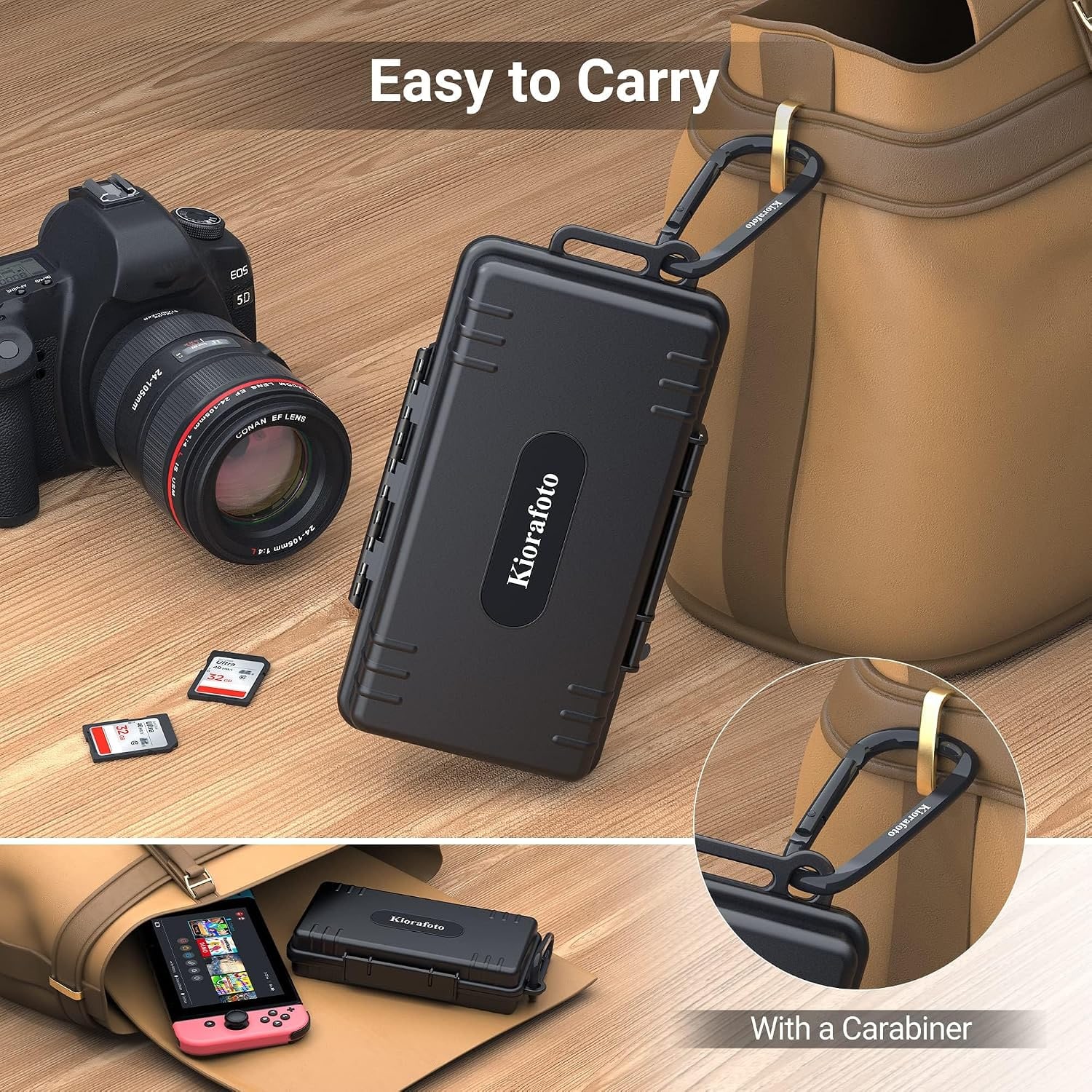
Fourth, think about whether you will carry it inside or outside your bag. The included carabiner is there for people who want it clipped to a strap for quick access during a shoot. If it lives in a bag compartment, you may never use the carabiner, and that is fine.
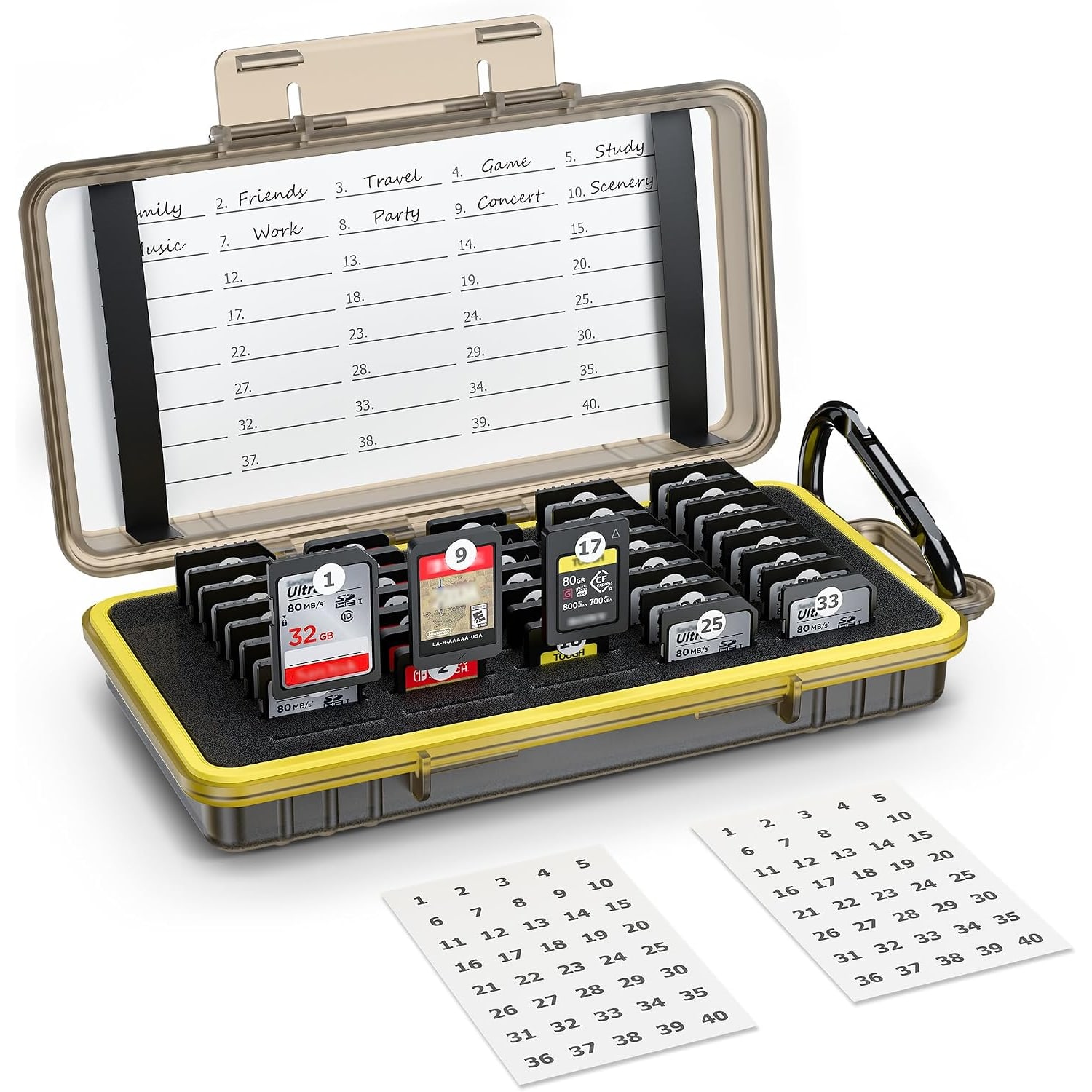
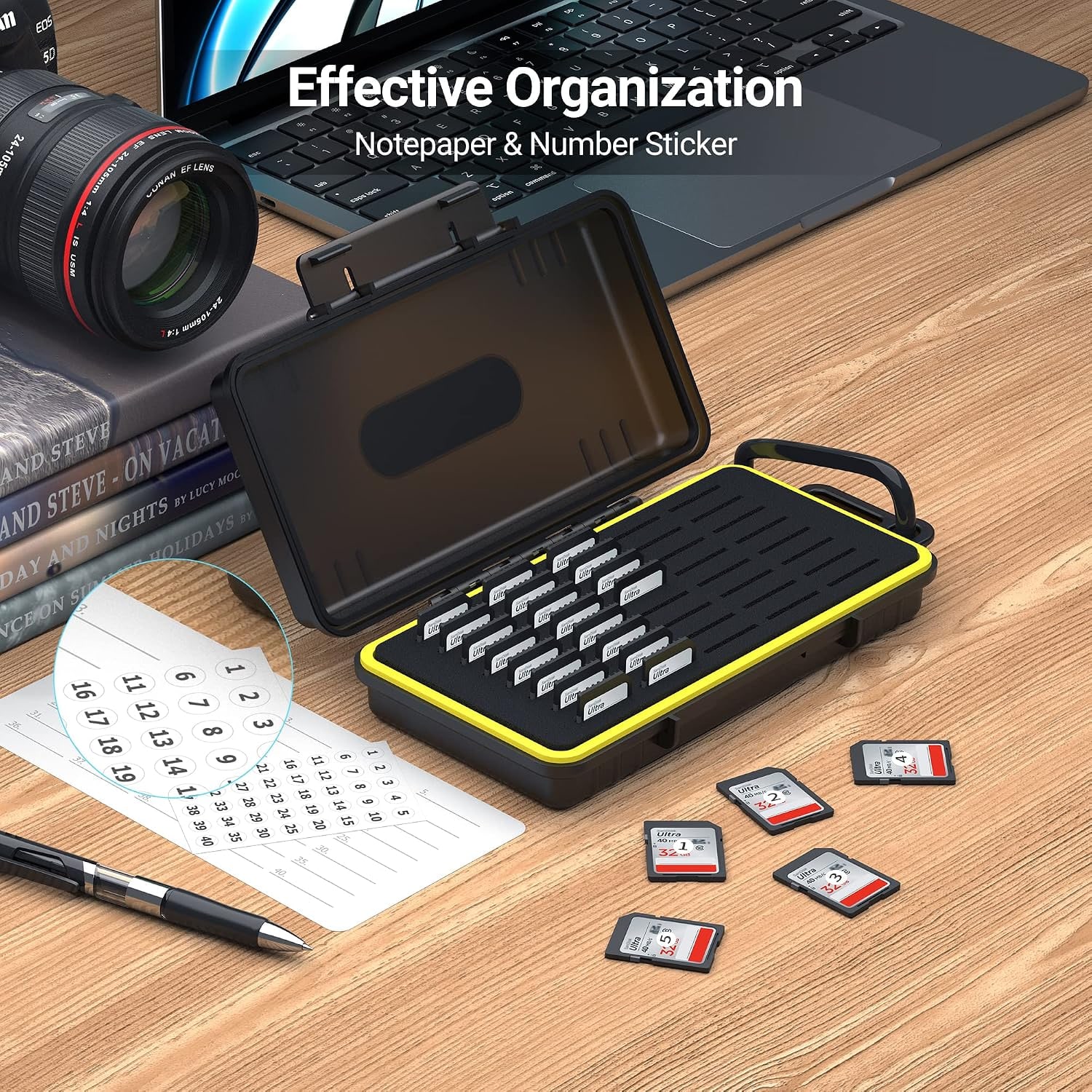
Last, check what labelling the case offers. Two sheets of notepaper labels come with this one, and they are more useful than they look.
Setting up a system that sticks
Spend five minutes on this once and it pays you back for years.
The simplest method is numbering. Label slots one through forty, and label each card with its slot number. Every card returns to its own spot. If slot seventeen is empty and you are not currently shooting, you know a card is missing and you know which one.
The second method handles the full-versus-empty question. Put cards in face up when they are formatted and ready, and face down when they have footage on them that is not backed up yet. The direction tells you the status without reading anything. Combine it with numbered slots and you have a system you can run while tired at the end of a twelve-hour day, which is exactly when you need it most.
Some people split the case down the middle instead, with one half for clear cards and one half for shot cards. Any of these work. The method matters less than picking one and not deviating.
Looking after it
There is not much to it. Wipe the shell with a soft damp cloth when it picks up grime and dry it before you close the lid. Keep the inside dry, and if a card has been out in the rain, let it dry fully before it goes back in a slot. Skip solvents, bleach and anything abrasive, since those will haze polycarbonate.
Avoid leaving the case in a hot car or in direct sun for long stretches. Heat is bad for memory cards and it is not great for plastic either. Store it indoors or in a shaded bag.
The short version
A 40-slot hard case fixes the most common media problem photographers have, which is not knowing where a card is or what is on it. The polycarbonate shell takes the knocks, the sponge and silica gel interior holds cards snug, and the water-resistant build covers you in bad weather. Forty slots takes SD, SDHC and SDXC cards, CFexpress Type A, microSD in an adapter, plus PS Vita and Switch game cards.
At 8.01 x 4.21 x 1.65 inches and 195 g, it fits a camera bag or clips outside on the included carabiner. Use the two sheets of labels, number your slots, and the whole card-management problem quietly goes away.